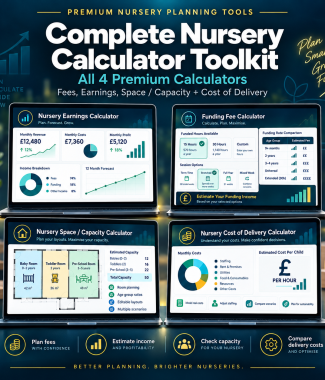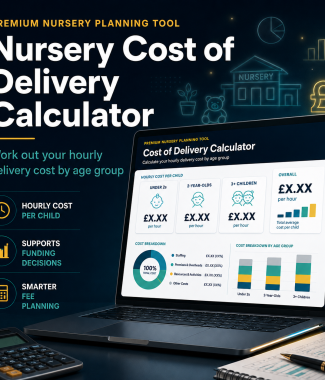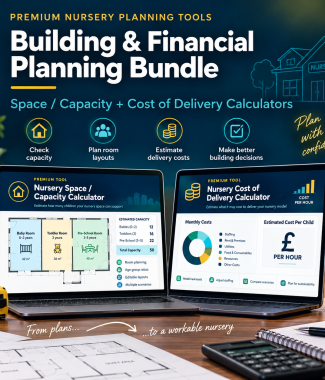

Turn one ratio answer into a workable nursery plan
Use your own rooms, age groups, usable floor areas, attendance pattern and available team.
Build multiple rooms
Add baby, toddler, pre-school or mixed-age rooms and give each room a clear name.
Calculate usable space
Enter a usable area or room measurements, then record areas that should be excluded from the estimate.
Test your proposed numbers
Add children by age group and compare proposed attendance with the room’s estimated space capacity.
Plan staff room by room
See indicative staff requirements for each room instead of relying only on one whole-nursery total.
Check deployment details
Record available staff, room assignments and relevant qualification information for planning purposes.
Plan cover across the day
Explore opening, core-day and closing cover, including breaks and floating staff.
See the real constraint
Compare space capacity, staffing capacity and your practical planned capacity in one summary.
Save and export
Save a plan in your browser, print or save a PDF and export useful results to CSV.
A quick answer or a room-by-room plan
Fast headline estimates
Best when you need a quick staff ratio or floor-space estimate for one calculation.
✓ One quick result
✓ Useful starting point
✓ No detailed deployment plan
A plan you can actually use
Best when you need to organise rooms, capacity, staff deployment and cover together.
✓ Space and staffing limits
✓ Cover and break planning
✓ Save, print and export
Use it before opening and as your nursery changes
Test a proposed room layout and staffing model.
Explore how usable areas may affect planned capacity.
Compare different age groups and child numbers.
See where more children may require more staff or space.
Plan room cover, breaks and floating support.
Build your plan in three steps
Enter age groups, usable space and proposed children.
Assign staff and explore cover across the day.
See room warnings, gaps and practical capacity.
Use it whenever you need it
✓ No calculation or usage limits
✓ Save plans in your browser
✓ Print or save as PDF
✓ Export useful results to CSV
✓ A short supporting course with instructions
A planning tool, not an approval
The planner cannot approve premises, confirm an Ofsted registration capacity, verify a qualification or guarantee EYFS compliance. It helps you organise information and identify questions that need checking.
Frequently asked questions
How is this different from the free staff ratio calculator?
The free calculator gives a quick indicative staffing number. The premium planner lets you build multiple rooms, add staff, consider cover and breaks and compare staffing with your proposed child numbers.
How is this different from the free floor-space calculator?
The free calculator gives a quick space estimate. The premium planner brings room space, proposed children and staffing together so you can see which factor may limit the plan.
Does it confirm my Ofsted capacity?
No. It provides an indicative planning estimate only. Registration capacity can depend on the premises, layout, facilities, ages, conditions and regulator decisions.
Does it verify staff qualifications?
No. Record qualifications to support planning, then confirm each person’s eligibility against the current DfE qualification requirements and standards.
Is this a subscription or limited-use product?
No. £9.99 is a one-off payment for unlimited ongoing online access through your account.
Is it included in a course?
It may be included with selected Open a Nursery courses or premium products. If you are already enrolled, check your course dashboard before buying.
Add the planner to your basket above
Pay once, sign in and return whenever your rooms, child numbers or staffing plans change.